AI Agent Deployment Models: Self-Hosted vs Managed vs Cloud-Native
Compare self-hosted, managed SaaS, and cloud-native deployment models for LLM-powered agents to match technical requirements with growth goals.
TL;DR
- Self-hosted OpenClaw gives full control but demands active DevOps overhead and infrastructure management
- Managed SaaS platforms eliminate server setup; deploy via easyclawd.com and focus on agent logic
- Cloud-native options offer maximum scale but require deep platform expertise and higher operational costs
- Choose based on team size, compliance requirements, and projected message volume to avoid migration pain
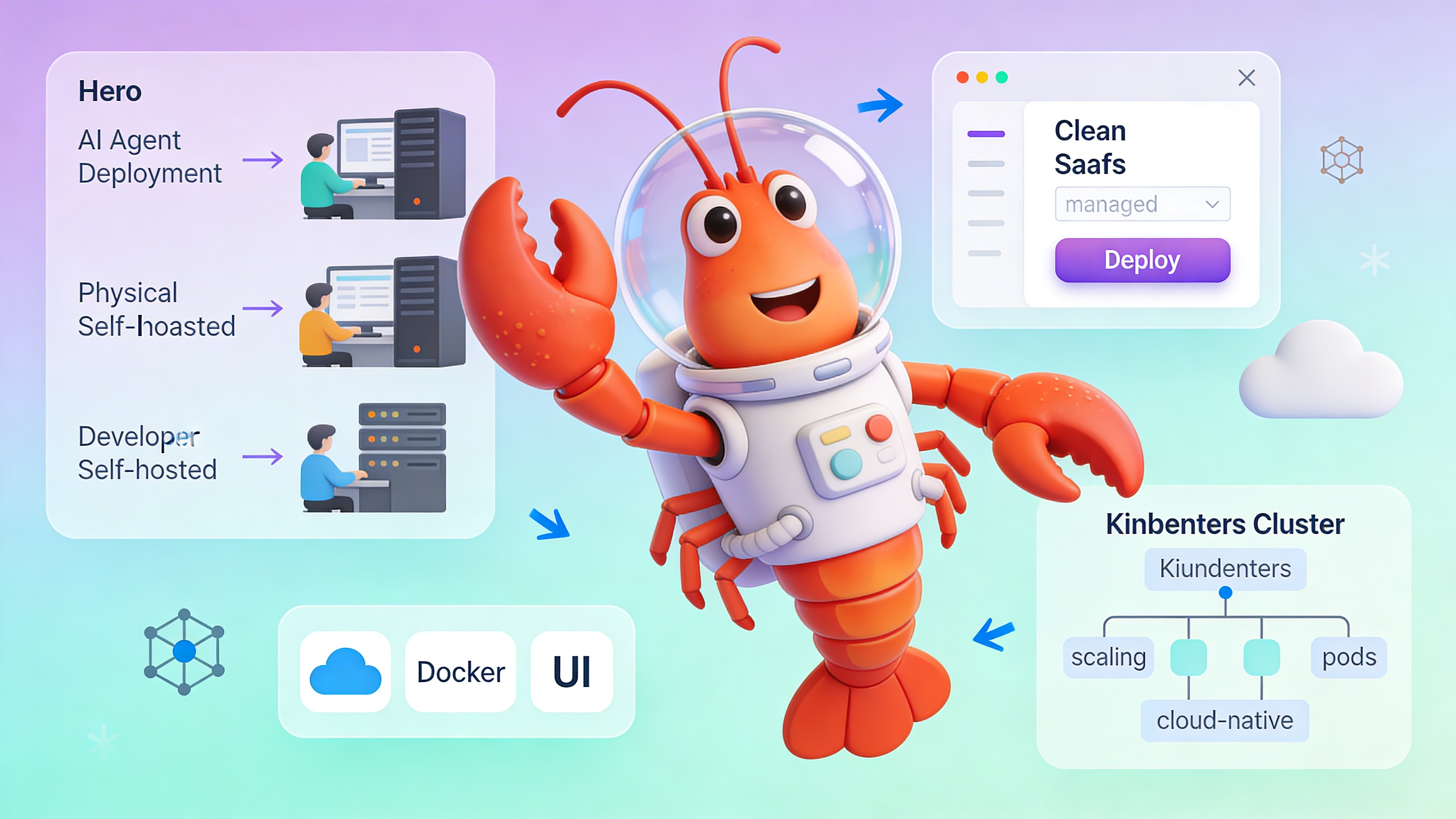
Deployment Model Comparison
Select a model that aligns with your technical capacity and growth trajectory.
| Capability | Self-Hosted OpenClaw | Managed SaaS | Cloud-Native |
|---|---|---|---|
| Control Level | Full stack & data ownership | Limited to config UI | Infrastructure-as-Code only |
| Technical Skill | High: Docker, networking, secrets | Low: Web UI only | Very high: K8s, IAM, monitoring |
| Setup Time | 2-4 hours initial provision | 5 minutes signup → deploy | 1-3 days cluster config |
| Cost Model | $5–50/month compute + time | $39–99/month flat fee | $100–500+ variable by usage |
| Scaling | Manual vertical/horizontal | Automatic up to plan limits | Auto-scaling with HPA/VPA |
| Best For | Compliance, custom logic | Rapid launch, no DevOps | Enterprise, 10k+ messages/day |
Core Evaluation Criteria
Judge each model against these non-negotiables: message throughput, tool integration depth, memory persistence model, and channel support.
| Criteria | Why It Matters | Self-Hosted | Managed | Cloud-Native |
|---|---|---|---|---|
| Message Throughput | Affects latency & user experience | Config via worker threads | Fixed plan limits | Unlimited with horizontal pods |
| Tool Integration | Determines agent capability | Full code-level registry | UI plugin market only | Container sidecars for tools |
| Memory Persistence | Critical for long-term context | Self-managed vector DB | Hosted Pinecone/Qdrant | StatefulSets + managed DB |
| Channel Support | Telegram, Discord, Slack | Full control | Telegram only (Discord soon) | Any via custom ingress |
Setup: Self-Hosted OpenClaw
Launch a local instance for development with Docker:
# Pull the official OpenClaw image
docker pull ghcr.io/openclaw/openclaw:latest

# Run with environment variables
docker run -d \
  --name openclaw-dev \
  -p 18789:18789 \
  -e OPENCLAW_GATEWAY_TOKEN="your-secret-token-here" \
  -e OPENAI_API_KEY="sk-..." \
  -e TELEGRAM_BOT_TOKEN="123456:ABC-DEF..." \
  -e VECTOR_STORE_URL="http://qdrant:6333" \
  --restart unless-stopped \
  ghcr.io/openclaw/openclaw:latest

# View logs
docker logs -f openclaw-dev
Configuration: Production-Ready Agent
Use this YAML config to define tools, memory, and channel behavior:
# config/production-agent.yaml
agent:
  name: "support-bot-v2"
  description: "Handles tier-1 support via Telegram with RAG over docs"

gateway:
  token: "${OPENCLAW_GATEWAY_TOKEN}"  # Never hardcode; use env var
  port: 18789
  host: "0.0.0.0"

llm:
  provider: "openai"
  model: "gpt-4-turbo-preview"
  max_tokens: 2000
  temperature: 0.3

channels:
  telegram:
    enabled: true
    bot_token: "${TELEGRAM_BOT_TOKEN}"
    webhook_url: "https://your-domain.easyclawd.com/telegram"  # Auto-generated if managed
    # polling mode fallback for dev
    polling: false

memory:
  type: "vector"
  backend: "qdrant"
  url: "${VECTOR_STORE_URL}"
  collection: "support-knowledge-v2"
  embedding_model: "text-embedding-3-small"

tools:
  - name: "search_docs"
    type: "retriever"
    config:
      top_k: 5
      filter_metadata: {"category": "support"}
  - name: "create_ticket"
    type: "webhook"
    config:
      endpoint: "https://api.helpdesk.com/v1/tickets"
      method: "POST"
      auth_header: "Bearer ${HELPDESK_API_KEY}"

observability:
  logging:
    level: "info"
    format: "json"
  metrics:
    enabled: true
    endpoint: "/metrics"
    port: 9090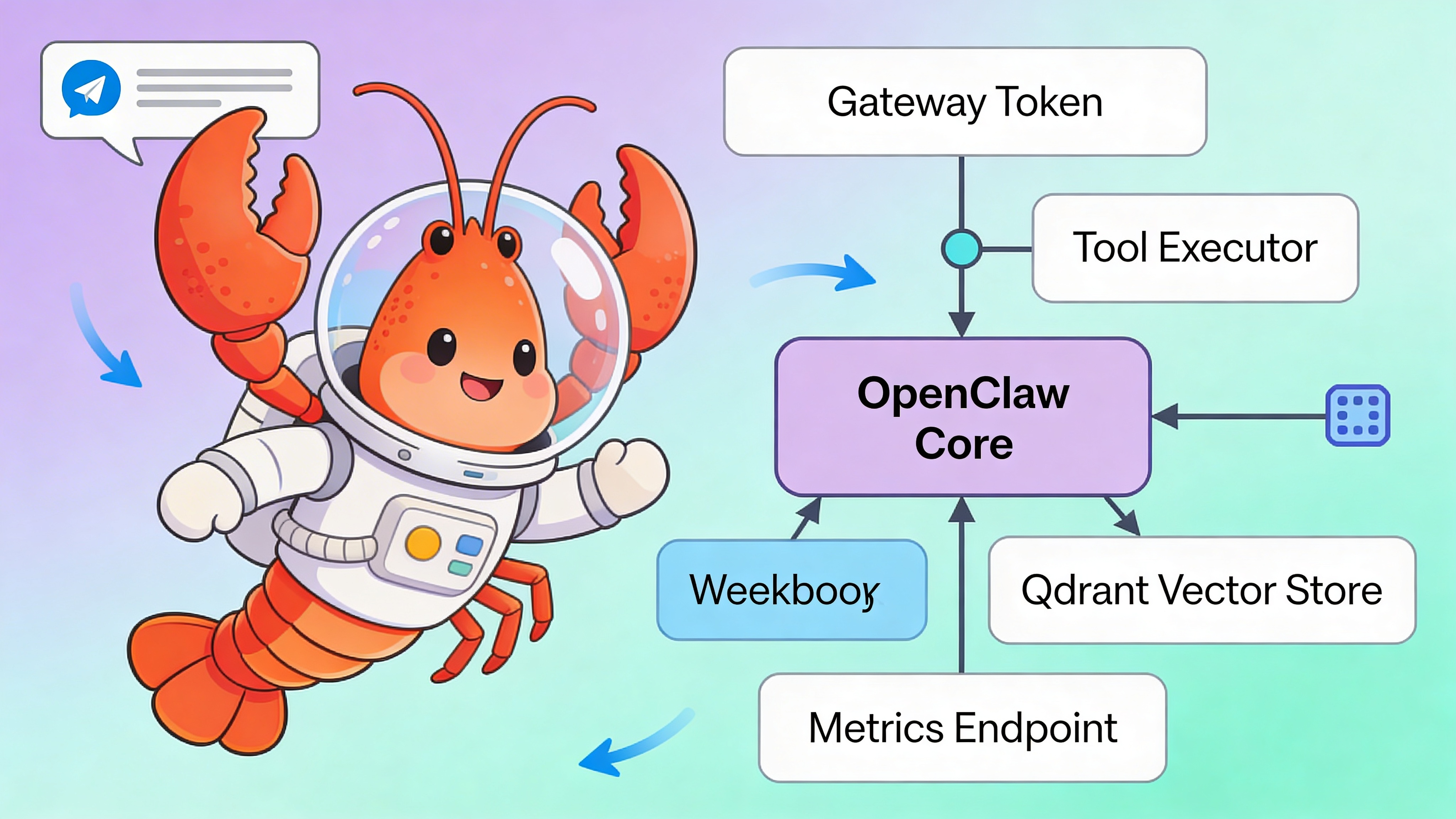
⚠️ Security Warning: Exposing OPENCLAW_GATEWAY_TOKEN in shell history or logs leaks admin access. Always load secrets from a secure vault (e.g., AWS Secrets Manager, HashiCorp Vault) and reference via environment variables. Never commit tokens to Git; use .env files with .gitignore.
Use Cases & Recommendations
Match your profile to the optimal deployment model.
| Creator Profile | Primary Need | Recommended Model | Rationale |
|---|---|---|---|
| Solo Developer / Startup | Speed to market | Managed SaaS | Zero DevOps; focus on prompts & tools |
| Enterprise / FinTech | Compliance & audit | Self-Hosted | Data residency, custom authz, air-gapping |
| High-Traffic Bot | 10k+ messages/day | Cloud-Native | Auto-scaling, multi-region, SLA needs |
| AI Research Lab | Experimentation | Self-Hosted | Unconstrained model swapping & patching |
See Also
- OpenClaw Configuration Reference — https://docs.openclaw.org/configuration/agent-yaml
- Agent Observability Best Practices — https://easyclawd.com/blog/agent-monitoring-prometheus
- Securing LLM Tool Integration — https://owasp.org/www-project-top-10-for-large-language-model-applications/
Ready to deploy your OpenClaw AI assistant?
Skip the complexity. Get your AI agent running in minutes with EasyClawd.
Deploy Your AI Agent