Building AI Startup Coach Agents with OpenClaw: Architecture and Deployment
Deploy autonomous AI coach agents for startup founders using OpenClaw. Complete configuration guide with memory, tools, and production patterns.
TL;DR
- Deploy autonomous AI coach agents using OpenClaw’s planning engine and episodic memory
- Integrate startup data sources: CRM, analytics, team feedback via tool calling
- Configure multi-session context retention with vector memory for founder continuity
- Monitor costs: 2-3K tokens per session; $0.05-0.15 per interaction on GPT-4
- Production deployment available via easyclawd.com without infrastructure overhead
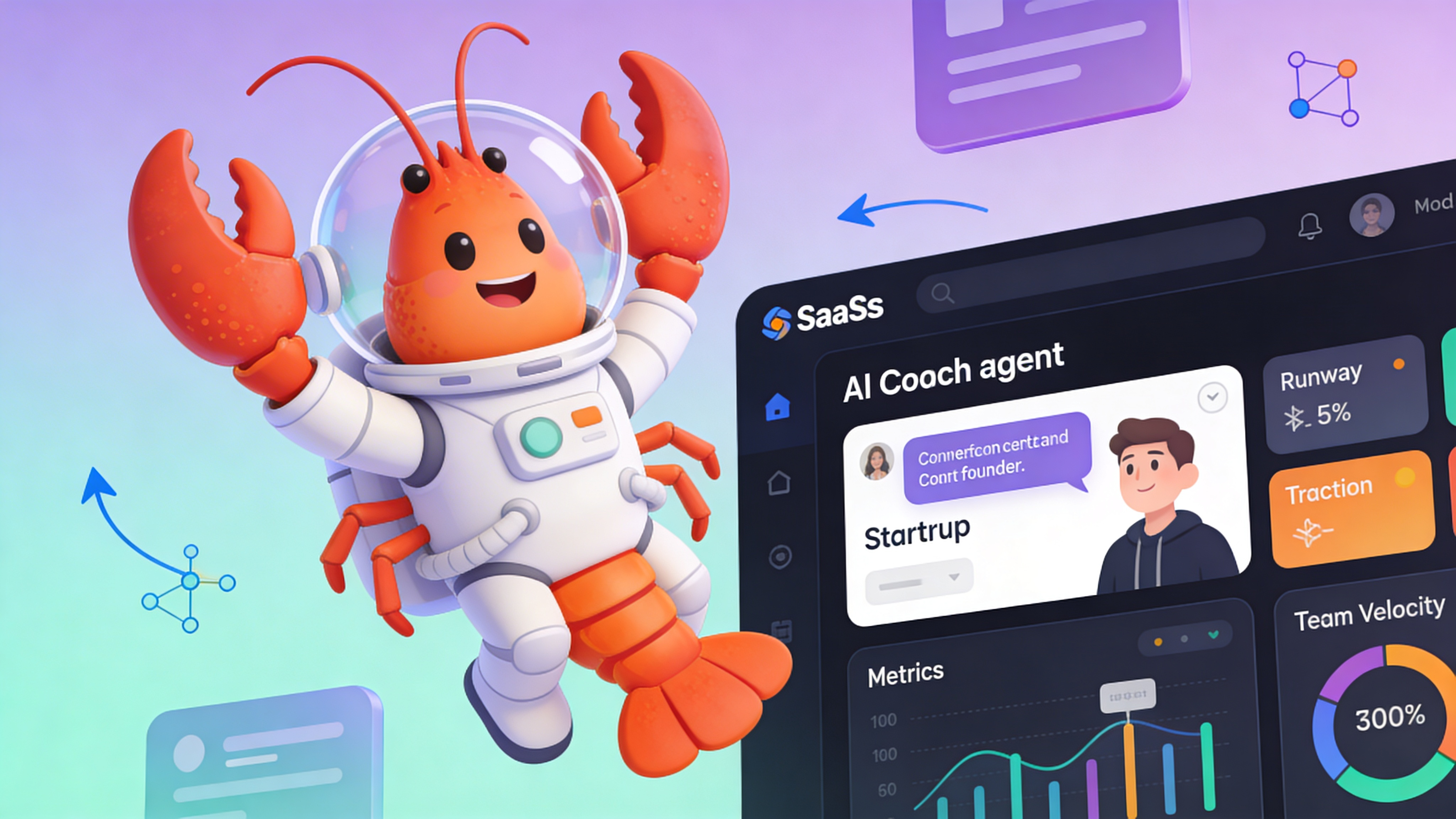
What an AI Coach Agent Actually Does
An AI startup coach agent is an autonomous LLM-powered system that provides continuous, data-driven guidance to founders. Unlike static advisors, it actively queries tools, retains context across sessions, and executes planning loops to transform founder goals into measurable outcomes.
| Capability | AI Coach Agent | Human Coach | Notes |
|---|---|---|---|
| Availability | 24/7 real-time | Scheduled sessions | AI provides interruptible guidance |
| Data Integration | Direct API access | Manual reports | AI reads live metrics |
| Scalability | Unlimited founders | 1:1 ratio | Cost per session drops with volume |
| Cost per Interaction | $0.05-0.15 | $150-500/hour | AI viable for daily check-ins |
| Memory Retention | Episodic + vector | Notes + recall | AI searches 100% of history |
| Bias | Model-dependent | Personal experience | AI can be tuned for neutrality |
Core Functional Architecture
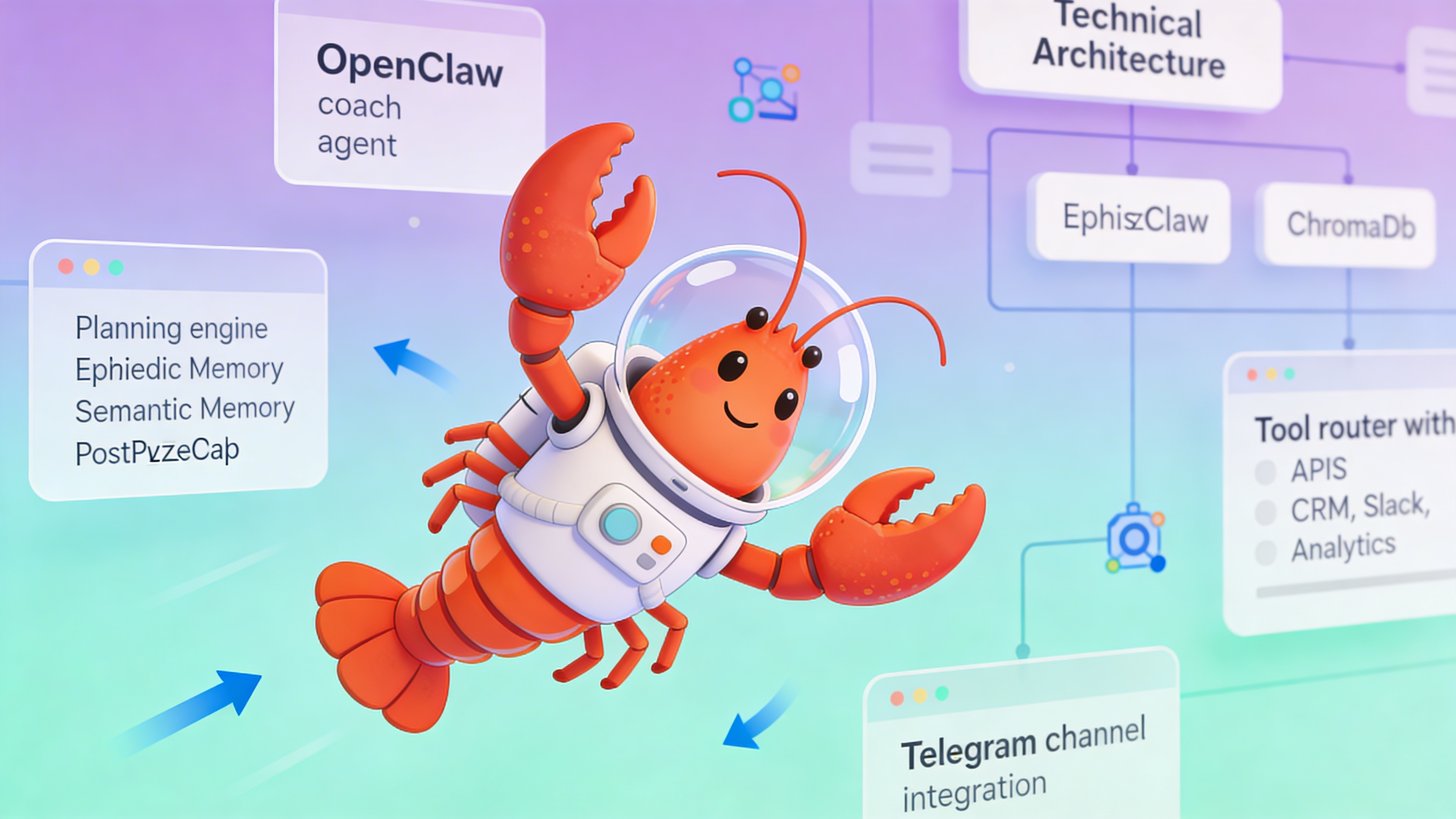
OpenClaw's coach agent pattern centers on three primitives: planning, memory, and tool use. The agent maintains a continuous loop of observation, evaluation, and action.
- Planning Engine: Decomposes founder objectives into weekly tasks and daily micro-actions
- Episodic Memory: Stores every interaction with timestamps and sentiment scores
- Vector Memory: Enables semantic search across pitch decks, metrics, and past decisions
- Tool Router: Maps natural language requests to CRM, analytics, and communication APIs
- Reflection Module: Generates weekly synthesis reports on progress vs. stated goals
Setup and Installation
Install OpenClaw locally or deploy via Docker. The following commands initialize a fresh instance with default coach agent templates.
# Clone the open-source framework
git clone https://github.com/openclaw/openclaw.git
cd openclaw

# Start core services: gateway, memory store, and UI
docker-compose -f docker-compose.yml -f docker-compose.coach.yml up -d

# Verify services are healthy
docker ps --filter "name=openclaw"

# Access the Control UI at http://localhost:18789
# Default credentials: admin / changeme
Agent Configuration
Define your coach agent in agents.yaml. This configuration sets persona, memory retention policies, and tool permissions.
# agents.yaml - Startup Coach Agent Configuration
agents:
  startup_coach:
    name: "ScaleCoach"
    persona: "You are an executive coach for pre-seed founders. Focus on traction, team, and runway. Ask one clarifying question before advising."
    model:
      provider: "openai"
      name: "gpt-4-turbo-preview"
      max_tokens: 4096
      temperature: 0.3

    memory:
      episodic:
        retention_days: 365
        max_entries: 10000
      semantic:
        enabled: true
        vector_store: "chroma"
        collection: "founder_context"
        embedding_model: "text-embedding-3-small"

    tools:
      - id: "crunchbase_search"
        enabled: true
        auth_env: "CRUNCHBASE_API_KEY"
      - id: "slack_team_feedback"
        enabled: true
        scopes: ["channels:read", "chat:write"]
      - id: "google_analytics"
        enabled: true
        auth_env: "GA4_CREDENTIALS"
      - id: "notion_okrs"
        enabled: true
        auth_env: "NOTION_TOKEN"

    channels:
      - type: "telegram"
        webhook_path: "/webhook/telegram/coach"
        allowed_users: []  # Empty = any authenticated user

    guardrails:
      max_sessions_per_user: 10
      rate_limit: "30 requests/hour"
      disallowed_topics: ["legal_contract_review", "financial_audit"]
Tool Integration Patterns
Effective coaching requires real-time startup data. Configure tools to pull metrics automatically before each session.
- Fundraising Pipeline: Query CRM for investor meeting outcomes and follow-up tasks
- Team Velocity: Pull GitHub project board stats and Slack sentiment analysis
- Burn Rate: Connect to QuickBooks or Stripe for real-time cash flow
- Market Signals: Scrape competitor news and LinkedIn hiring patterns
- Founder Wellbeing: Analyze calendar density and message response times
Memory Architecture and Context Retention
OpenClaw uses a dual-memory system. Episodic memory stores raw interaction logs; semantic memory enables cross-session pattern recognition.
| Memory Type | Storage Backend | Use Case | Retention Policy |
|---|---|---|---|
| Episodic | PostgreSQL JSONB | Exact conversation replay | 1 year or 10K entries |
| Semantic | ChromaDB vectors | Pattern recognition across pitches | Cosine similarity > 0.85 |
| Working | Redis cache | Session-specific context | TTL 24 hours |
| Procedural | YAML config | Agent instructions and guardrails | Version controlled |
Cost and Performance Optimization
Monitor token usage per interaction. Enable caching for repeated founder questions.
- Set max_tokens to 4096 to cap response length
- Use embedding cache for repetitive queries (saves 5-10% tokens)
- Enable tool response caching with 1-hour TTL
- Switch to gpt-3.5-turbo for weekly summaries (60% cost reduction)
- Set rate limits to prevent session hopping and token bleed
⚠️ Security Warning: Never commit OPENCLAW_GATEWAY_TOKEN or API keys to version control. Use Docker secrets or a vault service. Exposed tokens allow unauthorized agent control and data exfiltration from founder sessions.
Evaluation and Vetting Checklist
Test your coach agent before deploying to founders. Use a sandbox environment with simulated startup scenarios.
- Accuracy: Does the agent reference past metrics correctly? (Target: >90%)
- Latency: Time from message to response (Target: <3 seconds)
- Tool Success: Rate of successful API calls (Target: >95%)
- Hallucination: Rate of fabricated metrics (Target: <2%)
- Founder Satisfaction: Post-session rating (Target: >4.0/5)
See Also
- OpenClaw Agent Configuration Docs — https://docs.openclaw.dev/agents/configuration
- Memory Systems Deep Dive — https://github.com/openclaw/openclaw/wiki/Memory-Architecture
- Production LLM Agent Patterns — https://blog.openclaw.dev/production-agent-patterns
Ready to deploy your OpenClaw AI assistant?
Skip the complexity. Get your AI agent running in minutes with EasyClawd.
Deploy Your AI Agent