Multi-Channel Messaging for OpenClaw AI Agents: A Production Guide
Configure Telegram, Discord, and Slack messaging channels for OpenClaw agents with secure gateway tokens, declarative YAML configs, and production observability patterns.
TL;DR
- Use `openclaw onboard` for interactive setup or declarative YAML for infrastructure-as-code workflows
- Telegram Bot API is production-ready; Discord and Slack remain in beta with limited webhook support
- Rotate gateway tokens every 30 days and isolate channel-specific credentials using environment variables
- Implement per-channel hooks to route messages through different agent skills and memory contexts
Channel Support Matrix
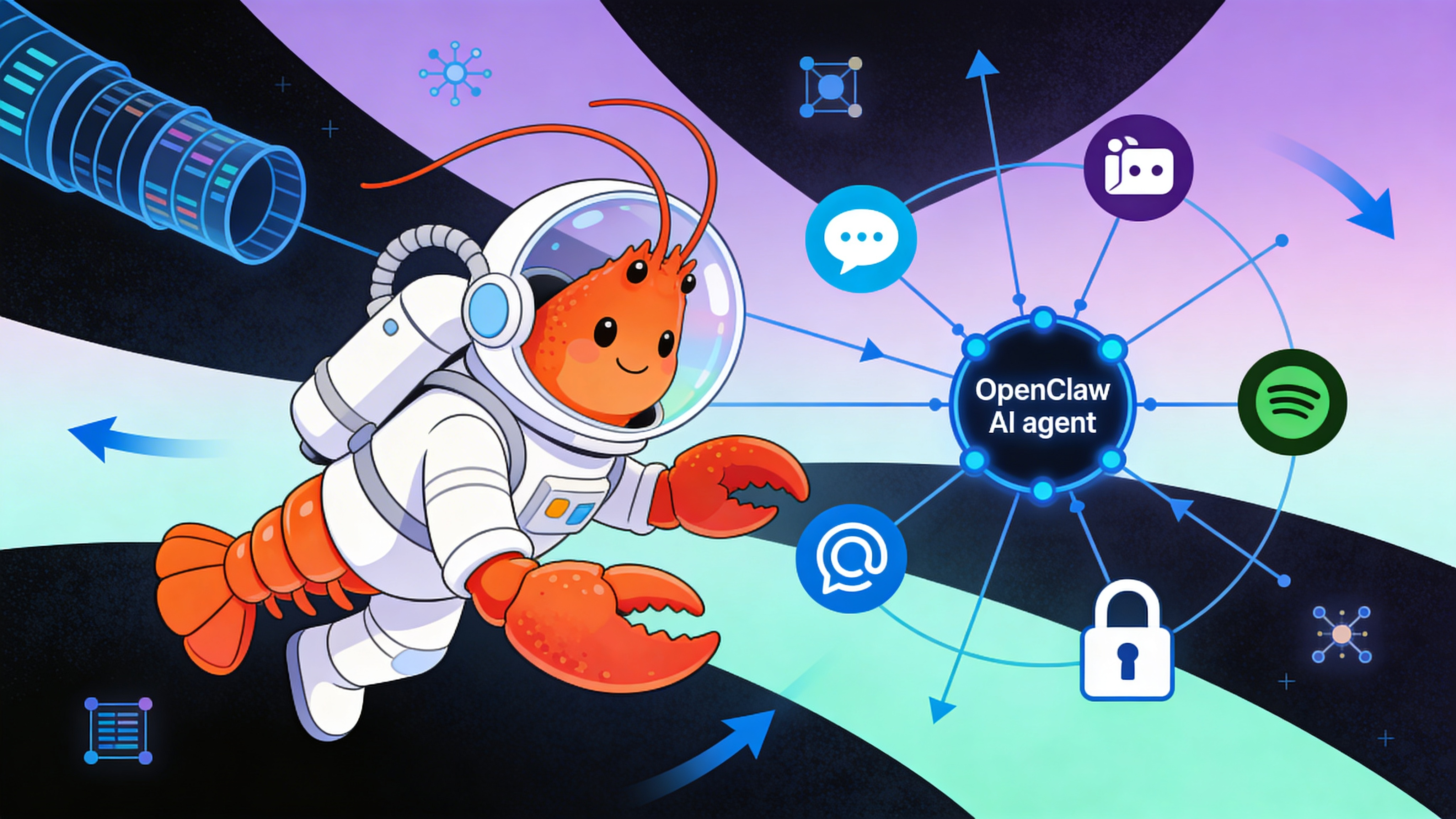
OpenClaw gateways expose a unified interface across messaging platforms, but each channel has distinct authentication, rate limiting, and feature parity.
| Platform | Status | Auth Method | Rate Limit | Rich Media | Thread Replies |
|---|---|---|---|---|---|
| Telegram (Bot API) | ✅ Stable | Token | 30 req/sec | ✅ | ✅ |
| Discord (Bot) | ⚠️ Beta | Token | 120 req/min | ✅ | ⚠️ |
| Slack (Socket Mode) | ⚠️ Beta | Token + App | Tier-3 | ✅ | ❌ |
| WhatsApp (QR) | ❌ Deprecated | QR Session | N/A | ❌ | ❌ |
| Signal (CLI) | 🧪 Experimental | Phone number | N/A | ❌ | ❌ |
Prerequisites
- OpenClaw 0.9.7+ installed via Docker or deployed via easyclawd.com
- Gateway token exported as `OPENCLAW_GATEWAY_TOKEN` (32+ character random string)
- Channel-specific credentials: Telegram bot token from @BotFather, Discord application ID
- Outbound HTTPS access on port 443 for webhook registration
- Nginx or Cloudflare Tunnel for public endpoint exposure
Interactive Setup
Launch the terminal wizard to configure channels interactively.
# Start the onboarding flow
openclaw onboard --step channels

# Export your gateway token first
export OPENCLAW_GATEWAY_TOKEN="sk-..."

# The wizard will prompt for platform selection and credential validation
echo "Select Telegram for production deployments."
Declarative Configuration
For reproducible deployments, define channels in openclaw.yml.
gateway:
  port: 18789
  token: "${OPENCLAW_GATEWAY_TOKEN}"

channels:
  telegram:
    enabled: true
    bot_token: "${TELEGRAM_BOT_TOKEN}"
    webhook_url: "https://agent.example.com/telegram"
    allowed_updates: ["message", "callback_query"]
    rate_limit: 30

  discord:
    enabled: false  # Beta channel, enable with caution
    bot_token: "${DISCORD_BOT_TOKEN}"
    application_id: "${DISCORD_APP_ID}"
    intents: ["GUILDS", "GUILD_MESSAGES", "DIRECT_MESSAGES"]

  slack:
    enabled: false
    app_token: "${SLACK_APP_TOKEN}"
    bot_token: "${SLACK_BOT_TOKEN}"
    socket_mode: true

skills:
  - name: "rag_search"
    trigger: "/search"
    channels: ["telegram"]  # Restrict skill to specific channel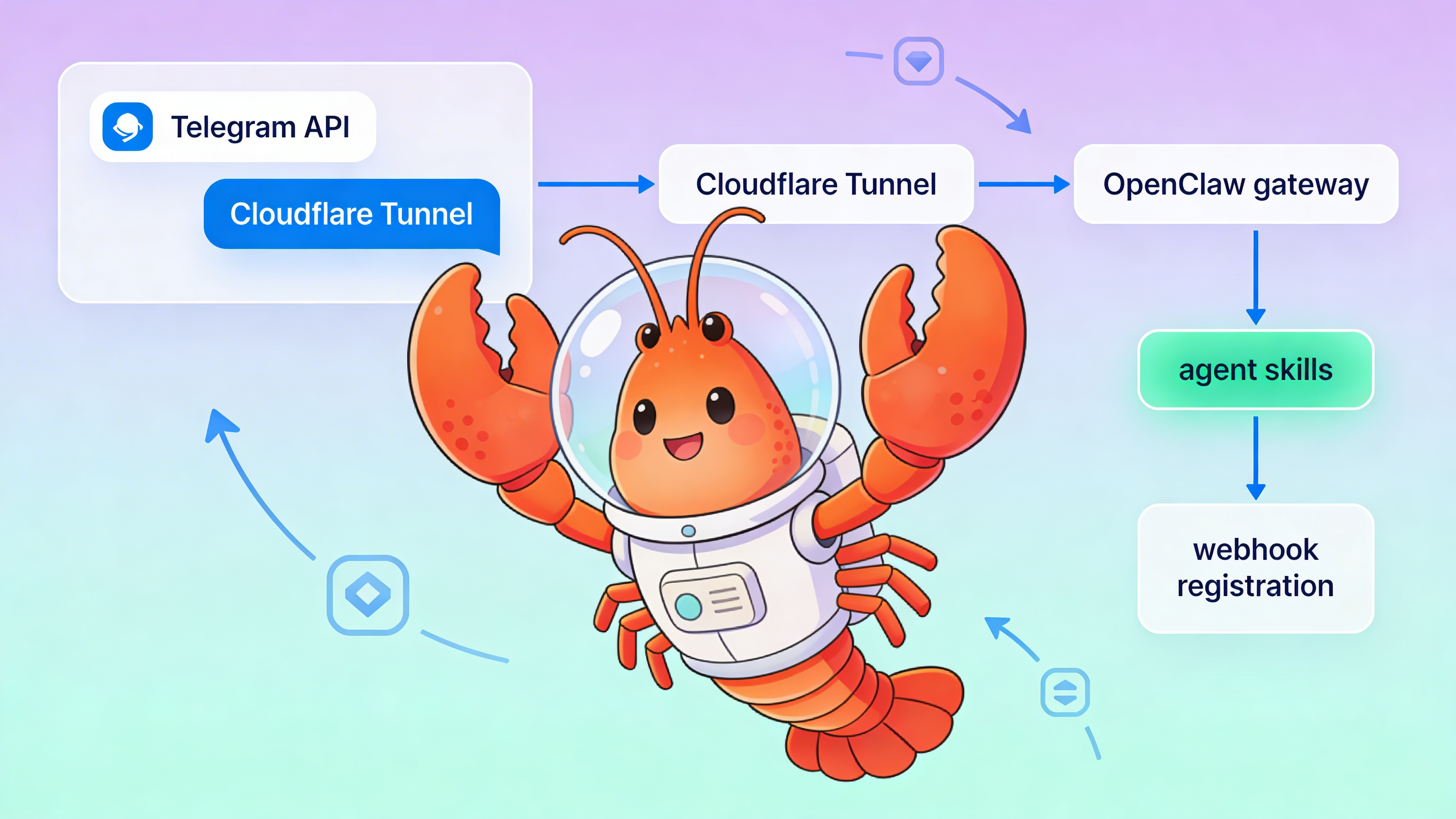
Security Considerations
Each messaging token grants access to user conversations. Store credentials in a secrets manager.
⚠️ Warning: Never commit raw bot tokens to version control. Leaked Telegram tokens can be exploited to intercept all user messages. Rotate tokens immediately if exposed and configure IP allowlists for webhook endpoints.
Production Deployment Patterns
- Run one OpenClaw container per channel in production to isolate failures
- Use Cloudflare Access to protect the gateway dashboard from public internet
- Configure per-channel `memory.context_ttl` to prevent cross-channel context leakage
- Set up dedicated EFS volumes for each channel’s conversation logs
- For teams avoiding infrastructure overhead, deploy via easyclawd.com to get managed OpenClaw instances with pre-configured tunnels
Observability
Enable structured logging to track channel-specific metrics.
{
  "logging": {
    "level": "info",
    "format": "json",
    "channels": {
      "telegram": {
        "log_messages": true,
        "log_errors": true,
        "sampling_rate": 1.0
      }
    },
    "metrics": {
      "enabled": true,
      "reporter": "prometheus",
      "port": 9090
    }
  }
}
See Also
- OpenClaw Gateway API Reference — https://docs.openclaw.org/gateway
- Securing AI Agent Tokens — https://blog.openclaw.org/security-tokens
- Multi-Agent Orchestration with Channels — https://easyclawd.com/blog/multi-agent-channels
Ready to deploy your OpenClaw AI assistant?
Skip the complexity. Get your AI agent running in minutes with EasyClawd.
Deploy Your AI Agent