OpenClaw Production Deployment Patterns for AI Agents
Deploy OpenClaw AI agents reliably with architecture guidance covering resource patterns, Docker configs, and scaling decisions for LLM workflows.
TL;DR
- OpenClaw’s burst-based workload demands 4GB+ RAM minimum for production stability
- Four hosting tiers exist: fully managed, one-click VPS, standard VPS, enterprise cloud
- Docker is mandatory for VPS deployments; always set explicit memory limits
- Secure with OPENCLAW_GATEWAY_TOKEN, firewall rules, and encrypted environment variables
- Monitor memory spikes and container restart rates continuously
- Horizontal scaling suits multi-tenant agents; vertical scaling supports heavy single workflows
Hosting Models for OpenClaw Agents
Your hosting choice determines operational overhead, scaling flexibility, and how much infrastructure you must manage manually.
| Model | Control Level | Setup Time | Best For | Cost Range (2026) |
|---|---|---|---|---|
| Fully Managed | Minimal | < 5 minutes | Non-technical teams, rapid prototyping | $39–99/mo |
| One-Click VPS | Moderate | 15–30 minutes | Developers needing quick root access | $20–80/mo |
| Standard VPS | Full | 1–2 hours | Infrastructure engineers, custom networking | $15–120/mo |
| Enterprise Cloud | Maximum | 4+ hours | Multi-region, HA requirements | $200+/mo |
Resource Requirements and Burst Patterns
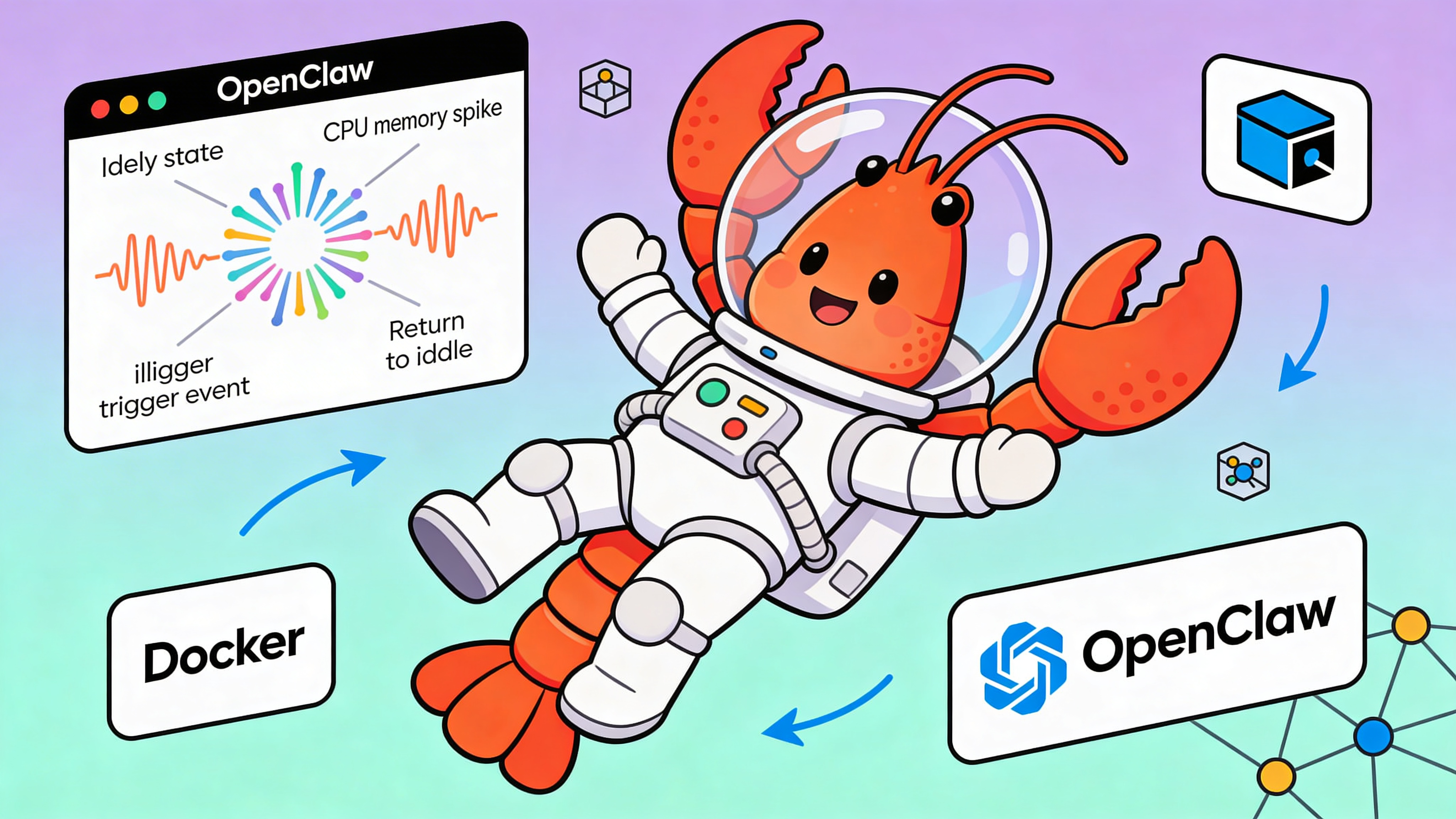
OpenClaw exhibits burst-based resource consumption: idle periods followed by CPU and memory spikes during workflow execution. Plan capacity for peak, not average usage.
| Workload Type | vCPU | RAM | Storage | Burst Tolerance |
|---|---|---|---|---|
| Development | 1 | 2 GB | 20 GB | Low (single user) |
| Light Production | 2 | 4 GB | 50 GB | Medium (1000 msgs/mo) |
| Standard Production | 4 | 8 GB | 100 GB | High (5000 msgs/mo) |
| Enterprise | 8+ | 16 GB+ | 500 GB+ | Very high (unlimited) |
VPS Deployment: Docker Setup
For standard VPS hosting, install Docker Engine and Docker Compose on Ubuntu 22.04 LTS.
# Update package index and install prerequisites
sudo apt-get update
sudo apt-get install -y ca-certificates curl gnupg lsb-release

# Add Docker's official GPG key
sudo mkdir -p /etc/apt/keyrings
curl -fsSL https://download.docker.com/linux/ubuntu/gpg | sudo gpg --dearmor -o /etc/apt/keyrings/docker.gpg

# Set up the stable repository
echo \
  "deb [arch=$(dpkg --print-architecture) signed-by=/etc/apt/keyrings/docker.gpg] https://download.docker.com/linux/ubuntu \
  $(lsb_release -cs) stable" | sudo tee /etc/apt/sources.list.d/docker.list > /dev/null

# Install Docker Engine and Compose
sudo apt-get update
sudo apt-get install -y docker-ce docker-ce-cli containerd.io docker-compose-plugin

# Verify installation
sudo docker run hello-world
Configuration and Environment
Define resource limits, networking, and secrets in docker-compose.yml. This example configures memory caps and gateway authentication.
version: '3.8'

services:
  openclaw:
    image: ghcr.io/openclaw/openclaw:latest
    container_name: openclaw-agent
    restart: unless-stopped
    ports:
      - "18789:18789"
    environment:
      - OPENCLAW_GATEWAY_TOKEN=${GATEWAY_TOKEN}
      - TELEGRAM_BOT_TOKEN=${TELEGRAM_TOKEN}
      - LLM_PROVIDER=openai
      - LLM_MODEL=gpt-4-turbo
      - LOG_LEVEL=info
    deploy:
      resources:
        limits:
          cpus: '2'
          memory: 6G
        reservations:
          cpus: '1'
          memory: 4G
    volumes:
      - openclaw-data:/app/data
      - openclaw-logs:/app/logs
    healthcheck:
      test: ["CMD", "curl", "-f", "http://localhost:18789/health"]
      interval: 30s
      timeout: 10s
      retries: 3
      start_period: 60s

volumes:
  openclaw-data:
    driver: local
  openclaw-logs:
    driver: local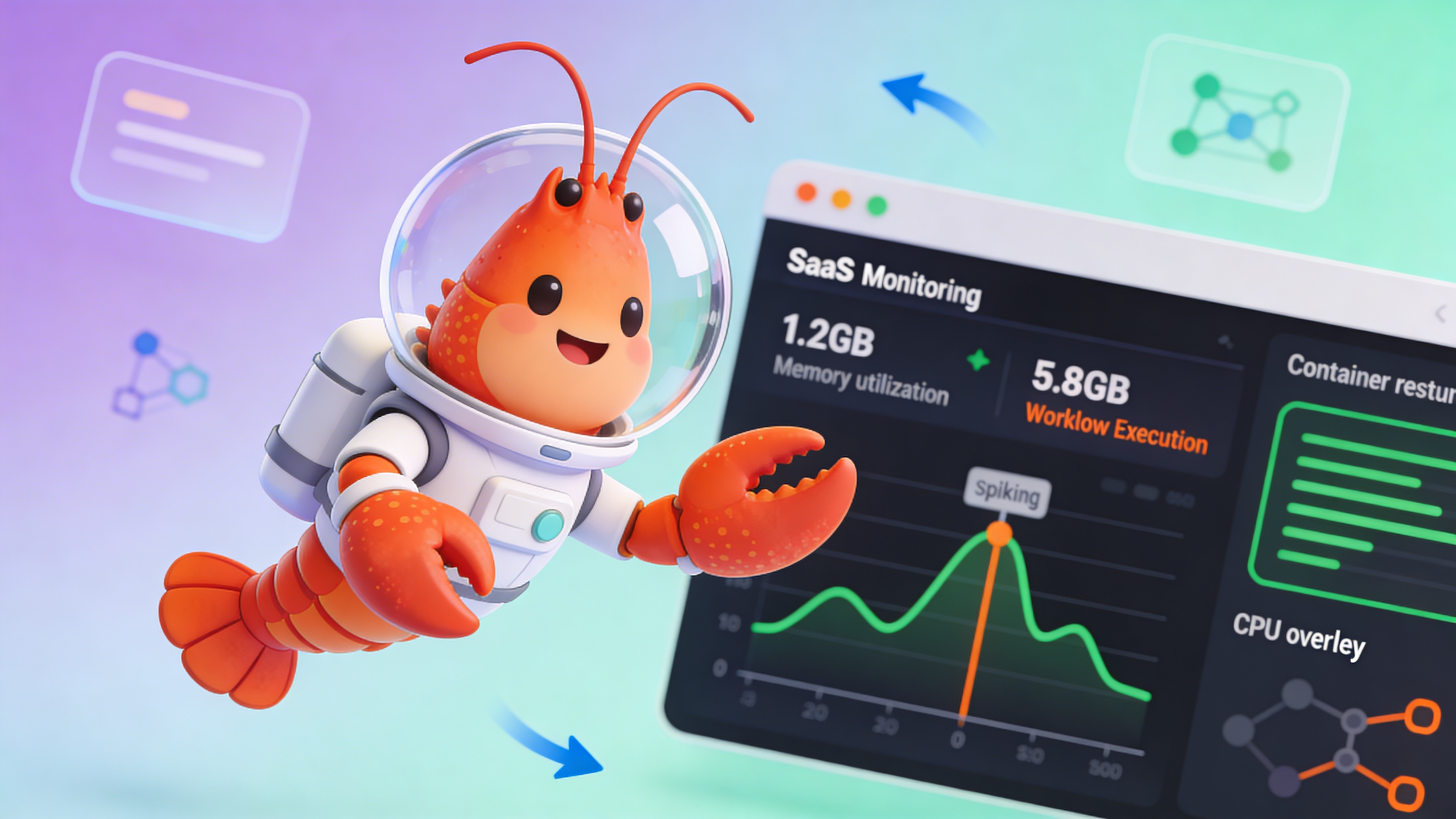
⚠️ Warning: Never omit memory limits in Docker. OpenClaw’s burst pattern can trigger OOM kills on the host, crashing unrelated containers. Always set both limits and reservations. Additionally, never commit .env files containing OPENCLAW_GATEWAY_TOKEN or TELEGRAM_BOT_TOKEN to version control—use Docker secrets or a vault provider.
Scaling Strategies
Choose horizontal or vertical scaling based on your agent architecture and message patterns.
| Strategy | When to Use | Implementation | Trade-off |
|---|---|---|---|
| Horizontal | Multiple tenants, parallel workflows | Run N containers behind a load balancer | Increases complexity, better fault isolation |
| Vertical | Heavy single workflows, large context | Upgrade VPS RAM/CPU or change instance type | Simpler, but creates a single point of failure |
| Hybrid | Mixed workload patterns | Vertical for core, horizontal for tenant shards | Best of both, requires orchestration |
Common Anti-Patterns
Avoid these infrastructure mistakes that cause silent failures and security exposure.
- Deploying on shared hosting without Docker support
- Allocating only 1–2 GB RAM for production workloads
- Exposing port 18789 directly to the internet without firewall rules
- Using latest tag without pinning to a specific version
- Skipping healthchecks and container restart policies
- Storing API keys in plaintext in the Docker layer
- Ignoring swap configuration on memory-constrained hosts
- Running without log aggregation or retention policies
When to Choose Managed Hosting
If your team lacks dedicated DevOps resources or needs to ship AI agents within days, managed platforms eliminate infrastructure friction. Services like easyclawd.com provision isolated OpenClaw containers with token-based authentication and Cloudflare Tunnel access—no Docker or firewall configuration required. This model suits automation-first teams prioritizing workflow logic over server management.
See Also
- OpenClaw Gateway Authentication — https://docs.openclaw.org/security/gateway-tokens
- Docker Resource Constraints Best Practices — https://docs.docker.com/config/containers/resource_constraints/
- Monitoring LLM Agent Metrics — https://blog.agentops.ai/openclaw-observability-guide
Ready to deploy your OpenClaw AI assistant?
Skip the complexity. Get your AI agent running in minutes with EasyClawd.
Deploy Your AI Agent