Telegram Bot Integration for OpenClaw AI Agents: A Complete Guide
Learn how to configure Telegram as a messaging channel for your OpenClaw AI agent, including bot creation, gateway setup, and security best practices.
TL;DR
- Create a Telegram bot via @BotFather and obtain your BOT_TOKEN
- Configure the Telegram channel in OpenClaw using `openclaw configure`
- Set OPENCLAW_GATEWAY_TOKEN for secure communication between gateway and agent
- Verify integration by sending a test message; bot should respond through OpenClaw’s reasoning engine
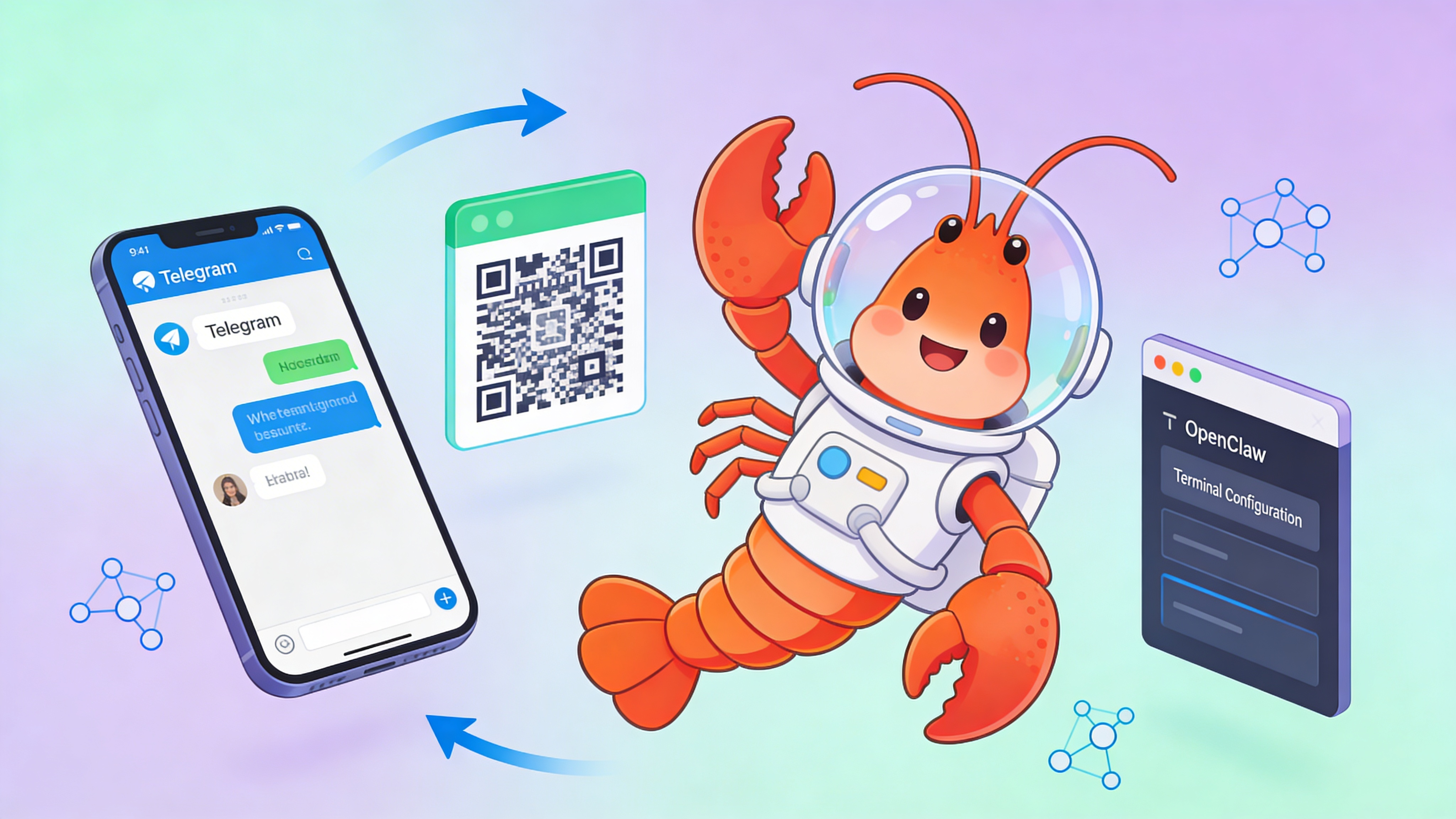
Messaging Channel Comparison
OpenClaw supports multiple messaging channels. Choose based on your use case and infrastructure requirements.
| Channel | Status | Auth Method | Message Rate Limit | Best For |
|---|---|---|---|---|
| Telegram | ✅ Live | Bot API Token | 30 msg/sec | High-throughput bots, group automation |
| Discord | 🚧 Coming Soon | Bot Token + Gateway | 120 msg/min | Community bots, rich embeds |
| Slack | 🚧 Coming Soon | OAuth + Socket Mode | 1 msg/sec per method | Enterprise workflows |
| ❌ Not Supported | N/A | N/A | N/A - Use Telegram instead | |
| Signal | ❌ Not Supported | N/A | N/A | N/A - Privacy focus unsupported |
Prerequisites
- Active OpenClaw instance (v0.8.0+)
- Telegram account with admin access
- OPENCLAW_GATEWAY_TOKEN environment variable set
- Outbound internet access on port 443
Step-by-Step Setup
Follow these commands in your OpenClaw terminal to configure Telegram integration.
# 1. Launch OpenClaw configuration wizard
openclaw configure

# 2. Navigate to Channels → Telegram
# 3. When prompted, paste your BotFather token
Enter Telegram Bot Token: 123456:ABC-DEF1234ghIkl-zyx57W2v1u123ew11

# 4. Verify gateway token is set
echo $OPENCLAW_GATEWAY_TOKEN

# 5. Restart the messaging gateway
openclaw gateway restart --channel telegram
Configuration Schema
The channels.yaml file defines Telegram behavior. This example includes rate limiting, webhook settings, and skill triggers.
# ~/.openclaw/config/channels.yaml
telegram:
  enabled: true
  bot_token: "${TELEGRAM_BOT_TOKEN}"  # Set via environment variable
  gateway_token: "${OPENCLAW_GATEWAY_TOKEN}"
  webhook:
    enabled: true
    path: "/webhook/telegram"
    port: 18789
    listen_address: "0.0.0.0"
  rate_limit:
    max_requests: 30
    per_seconds: 1
    burst: 5
  message:
    parse_mode: "MarkdownV2"
    disable_web_page_preview: true
    allow_group_messages: true
    authorized_chat_ids: []  # Leave empty to allow all; or [123456789]
  skills:
    trigger_prefix: "/"  # Commands like /research, /summarize
    auto_load: ["researcher", "summarizer"]
  session:
    reconnect_interval: 30
    max_reconnect_attempts: 5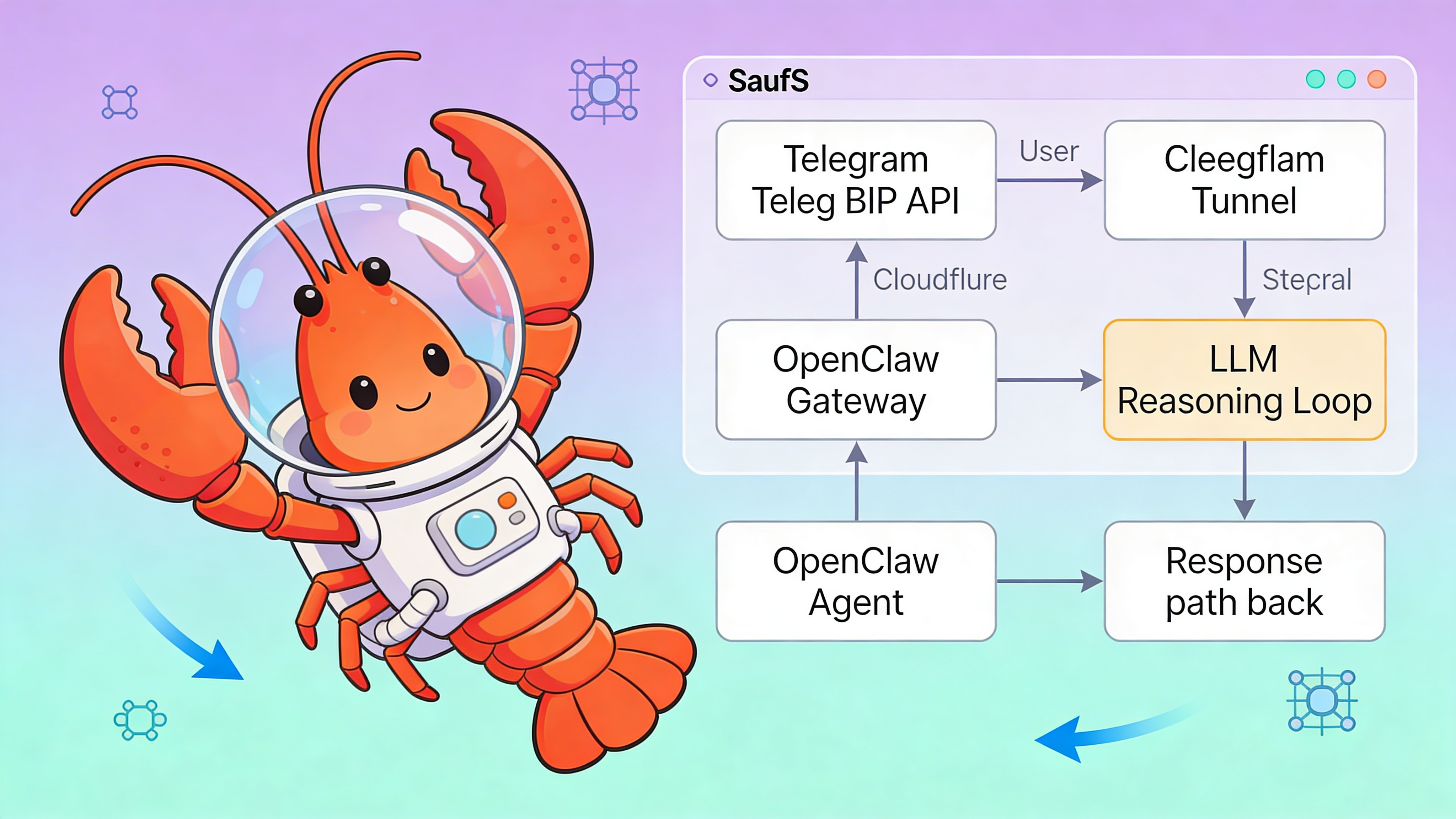
Gateway Architecture
The Telegram gateway acts as a reverse proxy between Telegram Bot API and your OpenClaw agent instance. When deployed via EasyClawd (easyclawd.com), the gateway runs inside your isolated container and exposes a Cloudflare Tunnel endpoint.
- Inbound messages hit https://your-id.easyclawd.com/webhook/telegram
- Gateway validates OPENCLAW_GATEWAY_TOKEN signature
- Messages are routed to the agent’s reasoning loop
- Responses flow back through the same secure tunnel
Security Considerations
⚠️ Warning: Never commit bot tokens or gateway tokens to version control. Exposed tokens allow attackers to impersonate your agent and execute skills. Always use environment variables or secret management. Rotate tokens immediately if leaked using `openclaw token rotate --channel telegram`.
Testing and Verification
Send a direct message to your bot on Telegram. If configured correctly, OpenClaw will respond using its default persona. Check logs for gateway activity.
# Monitor real-time message flow
openclaw logs --channel telegram --follow

# Test skill invocation
# In Telegram: /research "latest LLM agent benchmarks"

# Check gateway health
openclaw health check --component gateway-telegram
Troubleshooting
| Symptom | Cause | Fix |
|---|---|---|
| Bot doesn’t respond | Gateway token mismatch | Verify OPENCLAW_GATEWAY_TOKEN matches dashboard |
| 403 Forbidden | IP not whitelisted | Ensure webhook URL is registered with BotFather |
| Rate limit errors | Exceeding 30 msg/sec | Add rate_limit.burst to channels.yaml |
| Session timeouts | Network instability | Increase reconnect_interval to 60 seconds |
| Skills not triggering | Missing trigger_prefix | Confirm slash commands in config |
See Also
- OpenClaw Official Telegram Channel Docs — https://docs.openclaw.org/channels/telegram
- BotFather Deep Dive: Advanced Commands — https://core.telegram.org/bots/features
- OpenClaw Gateway Security Best Practices — https://docs.openclaw.org/security/gateway-tokens
Ready to deploy your OpenClaw AI assistant?
Skip the complexity. Get your AI agent running in minutes with EasyClawd.
Deploy Your AI Agent